 AI Voice Feature Now Live
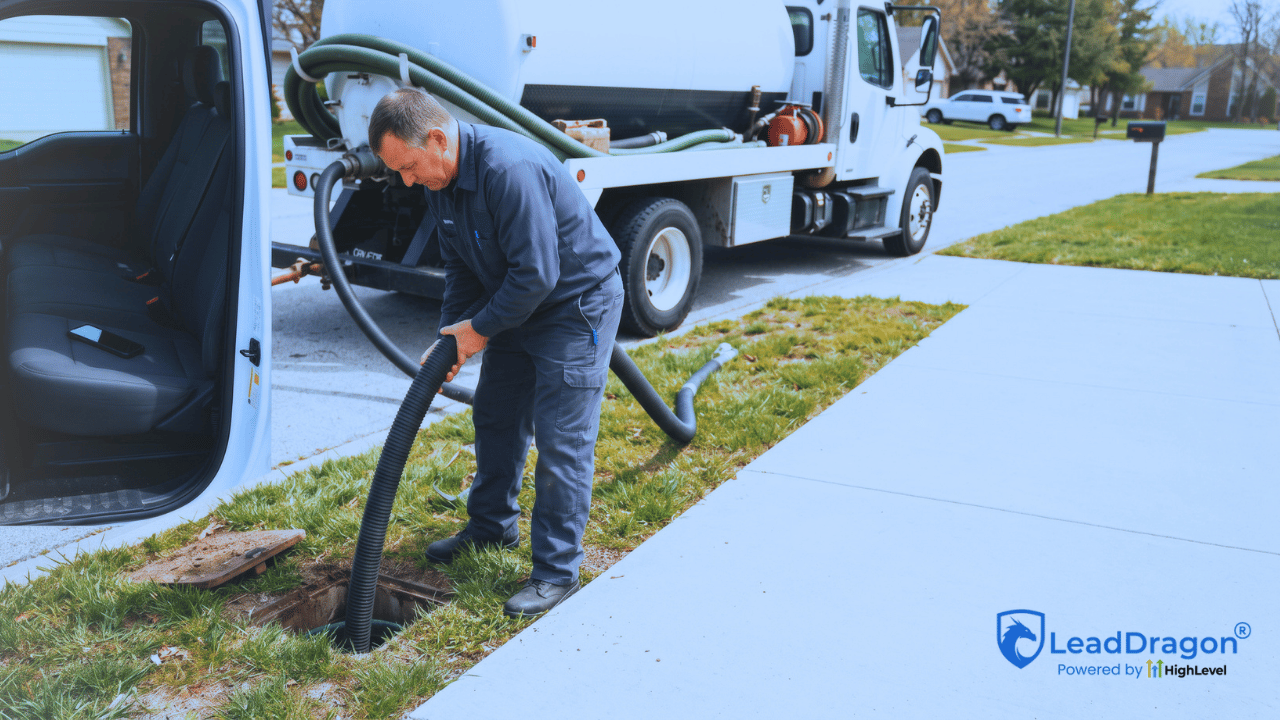
A septic company can miss a good service call for a very ordinary reason: the person who would answer is already on a job. The owner may be at a tank, the office may be handling another customer, or the crew may be driving between stops.
A septic company missed call text back gives that caller an immediate way to continue the conversation without waiting for somebody to notice the missed-call log. But the text itself does not recover the lead. It only opens the door.
The recovery happens after that first message. Somebody still needs to work out whether the caller is a new service inquiry or an existing customer, what kind of septic help they need, whether the property is inside the service area, how urgent the situation is, and who on the team owns the next action.
If those pieces are missing, the business has automated an apology. It has not built a missed-call recovery process.
A septic company missed call text back should open the conversation
The trigger should be simple: an inbound business call reaches a number you track, nobody answers, and the caller receives a short acknowledgement. HighLevel’s current Missed Call Text Back feature can send that SMS automatically after a missed inbound call.
That first message should not pretend the job is booked. It should not promise an arrival time, quote a price, or make the caller work through a long intake form by text.
A useful opening is closer to this:
“Hi, this is [Company]. Sorry we missed your call. What do you need help with today?”
The point is to get a reply while the caller still has the phone in hand. Once they answer, the workflow has something real to route.
There is one setup detail worth watching. HighLevel notes that its built-in missed-call text-back can send another SMS for every missed call, including repeated attempts from the same caller. A septic customer may call twice because the problem feels urgent. That should not produce a stack of nearly identical apology texts. Use the workflow controls, waits, tags, or other account logic you need so repeat callers do not get treated like brand-new conversations each time.
Find out whether this is new work or an existing customer
The first operational split is not “emergency or not.” It is whether the caller is asking for new service or contacting the company about work that already exists.
A homeowner asking for a pump-out, inspection, repair visit, alarm issue, or another new service request belongs in a sales or scheduling path. An existing customer may be calling about a scheduled visit, a return trip, a bill, a technician arrival, or a question about work already completed.
If both types go into the same new-lead pipeline, the numbers stop meaning much. The team may also create a second opportunity for a customer who already has an active job.
The text conversation does not need a complicated classification system. One short question can often separate the two:
“Is this for a new septic service request, or are you calling about an existing job?”
From there, new work can move toward qualification. Existing-customer messages can go to the person who owns the current job or customer record.
Collect enough information to route the request
Once the caller confirms it is new work, the business needs enough information to decide what should happen next. That usually means four things:
- Service need: What are they calling about?
- Location: Is the property inside the area the company serves?
- Urgency: Does the request need fast human review, or can it wait for normal scheduling?
- Contact context: Is there anything the office needs before calling or texting back?
For a septic company, service type matters because “I need my tank pumped” is a different conversation from “I have an alarm going off,” “I need an inspection,” or “I think there is a backup.” The message flow should capture the difference without trying to diagnose the septic system.
Location matters just as much. A lead can sound ready to book and still be outside the service radius. Asking for a city, ZIP code, or service address early keeps the office from spending time on a request the company cannot take.
Urgency needs a human rule behind it. If a caller reports a condition your company treats as urgent, the system can flag that reply and alert the on-call person or office. The automation should not decide on its own that a crew is being dispatched.

The customer reply needs one human owner
The most common failure after a good text-back is simple: the customer replies, but nobody knows who is watching the conversation.
That is why the reply should create ownership, not just another notification.
HighLevel’s current Customer Replied workflow trigger can start actions after a contact responds, including internal notifications, assignment, tasks, and opportunity actions. The exact setup can vary, but the operating question should stay the same: who is responsible for this person now?
During normal hours, that may be an office coordinator or owner. A larger septic company may route by branch, service area, or whichever person is handling new calls that day. After hours, the owner may change to an on-call person only if the company actually offers that coverage.
The crew member doing field work should not become the default answer to every missed call just because the software can send a notification to a phone. The point is to keep the conversation moving while the crew finishes the job in front of them.
After-hours messages need honest expectations
An after-hours caller should not receive the same promise as somebody calling while the office is staffed.
If the business does not offer after-hours service, say that plainly. The acknowledgement can still ask what the customer needs and collect the service location, then tell them the office will follow up during the next staffed period.
If the company does have an on-call path, the workflow can separate replies that need that path from requests that can wait. The text should still avoid promising that a technician is coming until a person confirms availability.
This is where a small wording choice can create a real operational problem. “We’ll get someone out to you” sounds helpful, but it becomes a commitment the crew may not be able to keep. “Tell us what is going on and where you are located” keeps the conversation useful without booking a job that nobody has reviewed.
Do not turn one missed call into a long nurture sequence
Some missed callers will never reply. They may have reached another company, decided the job can wait, or simply stopped looking for the moment.
A short follow-up can make sense when the caller has not answered the first text. Something as simple as “Do you still need help with a septic service request?” gives them another chance to respond.
After that, the business needs a stop condition. One unanswered missed call should not put somebody into a week of generic sales messages.
The stop rules should also cover opt-outs, wrong numbers, existing-customer issues that have already been handed to staff, callers outside the service area, and conversations a person has taken over.
Automation should stop when a person takes over
The handoff matters because the customer should not get a human reply and an automated follow-up that ignores it five minutes later.
HighLevel provides workflow controls for this. Its Stop on Response setting can remove a contact from a workflow after the contact responds to a message from that workflow. HighLevel also has a User Replied trigger that can react when a team member sends a personal message from the conversation view, which can be used to stop or redirect the remaining automation.
The technical choice depends on how the account is built. The business rule is easier: once a real person is handling the conversation, the automatic chase should get out of the way.
Only create a pipeline opportunity when there is new work to track
A missed call should not automatically become a sales opportunity just because a phone number appeared in the system.
Wait until the company knows there is potential new work, or at least a service inquiry that needs a callback. Then create or update the opportunity and give it a clear next state.
For example, a new caller who replies and needs service might move into a stage such as “New Service Inquiry” or “Callback Needed.” Those are examples, not required LeadDragon stage names. The company should use pipeline labels that match how its staff actually works.
Once the request is qualified, decide whether the next action is a callback or an appointment. A routine service request inside the company’s area may be ready for a booking path if the business has clear scheduling rules and real availability. A repair question, alarm issue, or less certain request may need a person to call first. The workflow should move the caller to the next action the company can actually honor rather than forcing every reply into self-booking.
An existing customer asking about tomorrow’s appointment may not belong in that pipeline at all. Neither does a caller outside the service area once the team has confirmed it cannot take the job.
This is what keeps the pipeline useful. Open opportunities should represent real work the company still has a chance to win or schedule.
A text sent is not the same as a missed call recovered
If the dashboard only tells you that 40 automatic texts went out, it is measuring activity. That does not tell you whether those missed calls became anything.
A septic company should be able to trace each eligible missed call far enough to answer a few practical questions. Did the caller reply? Did a person take ownership? Was the request inside the service area? Did it become a callback, estimate, inspection, pump-out, repair visit, or other scheduled work? If it did not move forward, why?
The useful recovery number is not “texts sent.” It is the number of missed calls that made it to a real outcome.
That outcome does not have to be a booked job every time. “Existing customer — routed to office,” “outside service area,” and “no response after follow-up” are still useful outcomes because nobody has to guess what happened.
The best missed-call workflow protects the crew’s attention
A septic company does not need another system that makes field staff stare at their phones all day. It needs a way to acknowledge the caller, collect enough information to make a decision, and put the conversation in front of the right person.
That is what a septic company missed call text back should accomplish. It keeps a missed call from disappearing, but it does not confuse an automated reply with a booked service call.
LeadDragon brings calls, SMS, conversations, pipelines, calendars, and workflow automation into the same system. If you want to see the follow-up side before changing your phone process, watch the 5-minute LeadDragon demo. If you would rather talk through your current setup, you can book a live demo.
