 AI Voice Feature Now Live
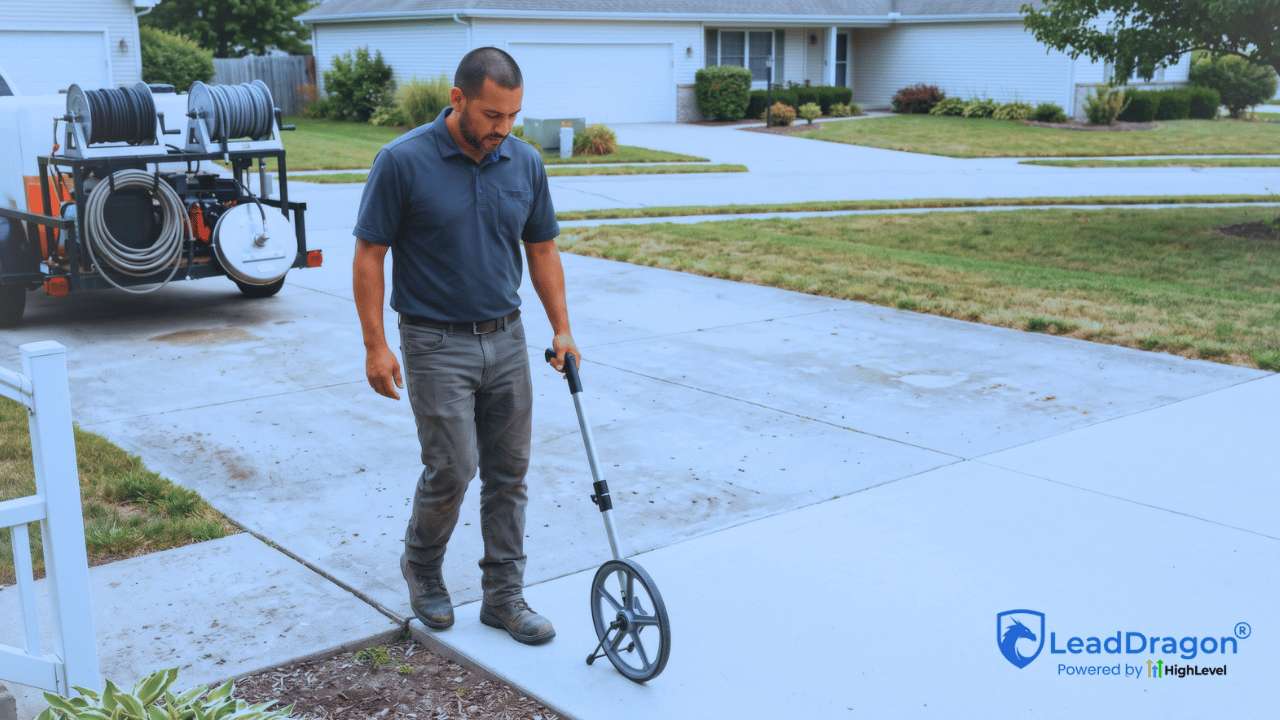
A pressure washing lead follow-up process starts after a real quote request enters the business. The form submission, ad lead, chat inquiry, or manually captured call should not land in an inbox and wait for somebody to remember it later.
That does not mean every prospect needs a long automated sequence. The job is simpler: keep the useful request data together, acknowledge the inquiry, work out what the business needs before quoting, give the lead a real owner, and move the opportunity toward an estimate or a clear stop.
For a pressure washing owner who is also out cleaning driveways, siding, roofs, or commercial properties, that structure matters. The CRM should show what came in, who owns it, what the next action is, and which quote requests have not moved.
Start with the real ways quote requests enter
A quote request may come through the main website form, a service landing page, a Facebook or Google ad form, web chat, a direct text, or a phone conversation that somebody enters into the CRM. Those entry points can feed the same sales process, but they should not erase where the lead came from.
LeadDragon has a current lead-source integration page covering forms, webchat, Facebook leads, and supported integrations. On the underlying HighLevel platform, a Form Submitted workflow trigger can start actions when a selected CRM form is submitted. External forms may need a separate integration or tracking setup.
The entry point should answer one basic question: did a legitimate new quote request reach the system? Once it did, the follow-up workflow can begin.
Keep the quote form useful without turning it into an inspection
A homeowner should not need to complete a fifteen-question technical worksheet before the business can respond. At the same time, a form that captures only a name and phone number leaves the crew with very little to work from.
For many pressure washing companies, the useful first set is fairly small: name, phone or email, service address, what the customer wants cleaned, and a short notes field. Photos can help when the business regularly gives estimates from images, but they do not need to become a barrier for every inquiry.
More detailed questions belong only when the answer changes the next action. A company that needs to know whether a property is one or two stories before deciding on a photo quote may ask that. Another business may prefer to get the request first and let staff decide what else to collect.
The form is not the estimate. It is the handoff into the estimate process.
Preserve source and campaign information before it disappears
Two quote requests can look identical once they reach the contact record while coming from very different marketing efforts. One may have come from a Google Ads campaign for house washing. Another may have started on an organic service page. A third may be a referral.
Keep that source information attached to the contact and opportunity when the setup supports it. HighLevel distinguishes the contact Source field from attribution data such as first attribution, latest attribution, session source, and UTM values. Its current attribution documentation explains which supported form, calendar, chat, and order events can record those details.
This is not just a reporting detail. When the owner later asks which campaigns produced quote requests that became estimates and jobs, the answer depends on preserving the source before the sales process starts changing the record.
Confirm the service area before promising the next step
A pressure washing lead can be perfectly real and still fall outside the area the company wants to serve. The address or ZIP code should become useful early enough that staff do not promise an estimate visit first and discover the location problem afterward.
The workflow can capture the service address on the original form, ask for it in the first conversation, or flag the lead for staff review when the location is incomplete. From there, the business can decide whether the request is inside its normal area, needs a travel decision, or should be declined.
Acknowledgement can still happen before that decision. Keep the wording accurate. “We received your quote request” is safe. “We’ll be there Tuesday to give you an estimate” is not, unless somebody has already confirmed that step.
Send an acknowledgement, then give the lead an owner
The prospect should know the request arrived. A short text or email can identify the business, confirm receipt, and tell the customer what kind of next action to expect.
The acknowledgement does not need to carry the whole sales conversation. A useful version may say that the team received the request and will review the property details, then ask for one missing item when the business needs it.
At the same time, somebody should own the lead. “The office” is not ownership if three people can see the notification and each assumes somebody else will handle it.
HighLevel’s current Assign To User workflow action can assign contacts to a selected user or distribute them among several users. A small pressure washing company may assign every new request to the owner. A larger team may split residential and commercial inquiries or rotate new leads among office staff.
The exact assignment rule matters less than the outcome: one person can open the CRM and see, “This quote request is mine.”
The next action depends on what the business needs to quote
Not every pressure washing request should jump to the same booking link.
A driveway cleaning inquiry with a clear address and useful photos may be ready for a remote estimate. Large commercial properties may need a site visit. A house-wash request may need better photos. An unusual surface or access issue may need a manual review before the company talks price.

That creates several legitimate next actions: call the prospect, request photos, schedule an estimate visit, send a booking link for the right appointment type, or place the request in a manual-review stage.
The workflow should not force certainty where the business does not have it. If staff need to inspect the property before quoting, the CRM should say that instead of pretending every new lead is “ready to book.”
Put the opportunity in a stage that describes what is actually true
A contact record tells you who the person is. An opportunity tells you there is active work to pursue.
HighLevel supports creating opportunities inside a selected pipeline and stage, with a source and open or closed status. Its current pipeline setup guide uses form submission as one example of creating an opportunity automatically.
For a pressure washing quote workflow, a simple pipeline might use stages such as:
- New Quote Request: the inquiry entered and still needs first review.
- Contacted: staff or the workflow reached the prospect and the conversation is active.
- Details Needed: the business is waiting for photos, address details, measurements, or another piece of information.
- Estimate Scheduled: a quote visit or estimate appointment is on the calendar.
- Quote Sent: the prospect has the estimate and the next job is decision follow-up.
- Won / Lost: the customer accepted or the opportunity is no longer active.
Those are examples, not required LeadDragon stage names. Use stages that match the company’s actual sales process. A stage should tell staff what is true now and make the next action easier to see.
Follow up when the prospect stays quiet, but do not chase forever
A pressure washing lead follow-up process needs a path for quote requests that stay quiet after the first acknowledgement. The customer may be working, collecting several estimates, or planning to send photos later. A short follow-up can bring the conversation back without turning the lead into a permanent nurture sequence.
The first no-response message can refer to the quote request and the missing next step. If the business needs photos, ask for the photos. If staff already reviewed the property and want to schedule an estimate visit, ask about that. Generic “just checking in” messages become less useful when the CRM already knows what the business is waiting for.
After a reasonable number of attempts, stop the active chase. Keep the opportunity visible for a manual decision or close it with an honest reason. Do not leave a current quote-request workflow firing for months. If the customer becomes a later reactivation opportunity, that should be a separate process with its own timing and message.
A reply should change the path immediately
When the prospect responds, the workflow now has new information. Continuing the same no-response messages after that point makes the system look disconnected from the conversation.
HighLevel’s current Customer Replied trigger can start actions from an incoming response. HighLevel also has a Stop on Response setting that can remove a contact from a workflow after the contact replies to communication from that workflow.
The business rule should be even clearer than the software setting. If the prospect answers a question, staff or a reply-specific workflow should use that answer. If a person takes over the conversation, the generic chase should get out of the way.
The same applies when the estimate gets booked, the customer accepts or declines, the lead is outside the service area, or the contact opts out of the relevant communication channel. Every active sequence needs an exit.
Make untouched quote requests impossible to hide
The most useful CRM view may be the boring one: new quote requests that entered but never moved.
A request sitting in “New Quote Request” with no owner activity after the business’s normal review window deserves attention. The problem is not a universal response-time target. It is that the request never reached the next recorded step.
Owners should be able to open the pipeline or a filtered view and see those records without searching email, text threads, ad dashboards, and form notifications separately.
LeadDragon’s current Sales & Marketing Automation page and main CRM page both position pipelines, communication, forms, and workflow automation as parts of the same sales system. The value for a pressure washing team is simple: an untouched quote request should remain visible until somebody decides what happened to it.
Track the quote journey, not the number of messages sent
A workflow can send dozens of texts and still fail to produce a useful sales process.
The better reporting chain starts with the business outcome:
Quote request -> contacted -> estimate scheduled or prepared -> quote sent -> won or lost.
Message delivery can help diagnose the path, but it should not become the main success measure. The owner needs to know how many real quote requests became conversations, how many reached an estimate, and what happened after the quote.
Source data makes that view more useful. If one campaign produces plenty of quote requests but very few estimates, the business can inspect the lead quality or the handoff. If another source produces fewer requests but a stronger path to won jobs, that matters too.
Keep the reporting tied to states the team actually updates. A beautiful dashboard cannot repair a pipeline where nobody moves opportunities or closes lost leads.
Pressure washing lead follow-up should end with a clear next action
The CRM does not need to automate every judgment a pressure washing business makes. It needs to keep the quote request from becoming an orphaned form submission.
The useful setup keeps enough information to act and preserves the marketing source instead of flattening every inquiry into the same contact. Service area gets checked before somebody promises a visit. From there, the quote request needs an owner and a stage that describes what is really happening. Follow-up can continue while there is an active quote conversation, then stop when the situation changes.
If that process currently lives across an inbox, a personal phone, ad notifications, and somebody’s memory, LeadDragon brings CRM records, pipelines, forms, texting, email, and workflow automation into one system. You can review the current LeadDragon plans or watch the LeadDragon demo to see how a quote-request workflow could fit the way your pressure washing business already sells.
