 AI Voice Feature Now Live
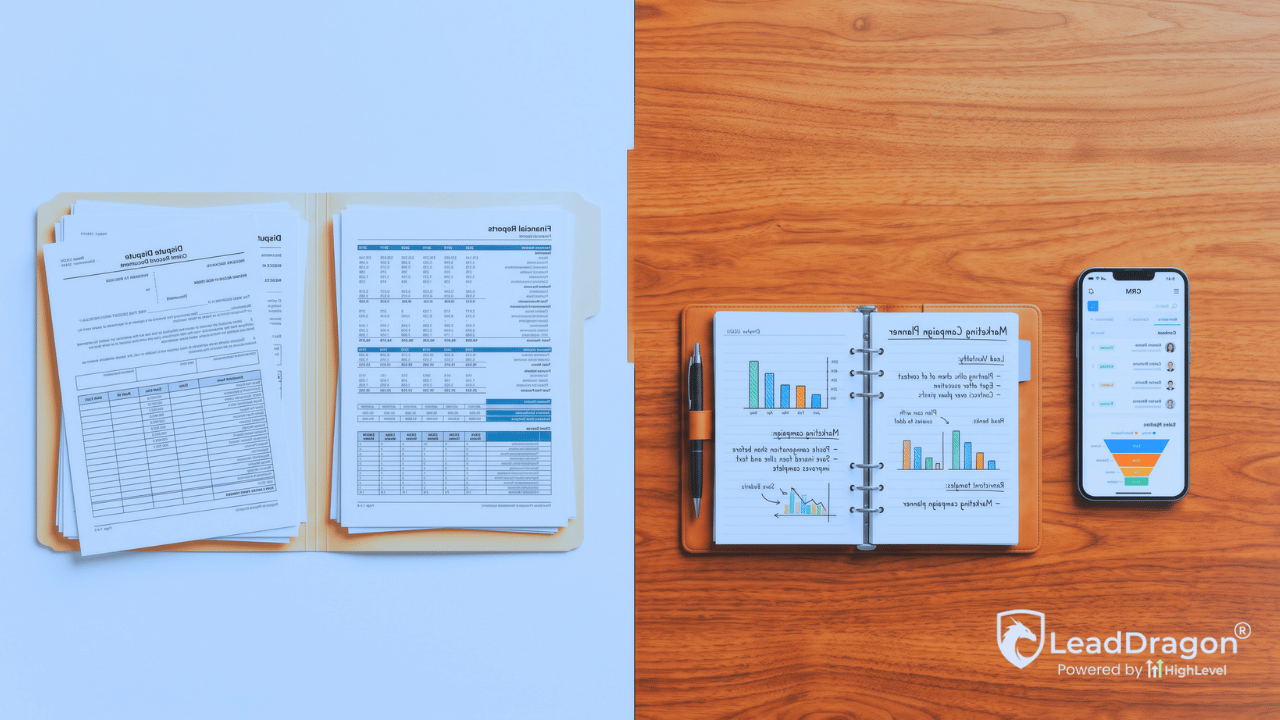
If your GoHighLevel Credit Repair Cloud integration treats both systems like full copies of each other, the handoff gets noisy fast. A prospect becomes a client, Credit Repair Cloud starts carrying the fulfillment record, yet old sales stages, duplicate contacts, or marketing automations may keep moving as if nothing changed.
The cleaner setup is not to sync everything. Give each system a job, define the enrollment handoff, then send back only the client events the marketing CRM actually needs.
The handoff starts when the sales job ends
Before enrollment, the marketing CRM has a clear reason to lead. It knows where the prospect came from, which form or call created the inquiry, what messages were sent, whether a consultation was booked, and which sales stage the opportunity reached.
LeadDragon is built on HighLevel, and its credit repair CRM setup is designed around lead management, communication, pipelines, booking, and automation. Credit Repair Cloud has a different job. LeadDragon’s own integrations page describes Credit Repair Cloud as fulfillment software and currently points to Zapier for moving data between the two systems.
The boundary should become explicit when a prospect meets your business’s enrollment criteria. At that point, create or update the client record in Credit Repair Cloud, store the matching client identifier in the marketing CRM, and stop treating the person like an open sales lead.
That one change prevents a lot of strange behavior later. A new client should not receive a missed-consultation sequence because an old opportunity stage never moved. A cancellation should not create a second contact because the sync could not find the first one.
Start the GoHighLevel Credit Repair Cloud integration at enrollment
Credit Repair Cloud currently documents two broad ways to connect with outside systems: Zapier integrations and direct API integrations. Its API documentation says third-party applications can add leads, affiliates, and clients or update their status. That means the technical connection can support more than one workflow, but the business still has to decide which events deserve to cross the boundary.
Zapier also currently lists a Credit Repair Cloud and LeadConnector pairing with actions such as adding or updating contacts and opportunities. That is useful plumbing. It is not a reason to mirror every field or every status in both places.
A practical enrollment event needs only enough data to create a reliable relationship between the records. Name, email, phone, enrollment date, the CRM contact or opportunity identifier, and the Credit Repair Cloud client identifier may be enough for the handoff depending on your build. The exact field set should follow the work your team actually needs after enrollment.
Do not use the integration as an excuse to copy a whole service file into the marketing CRM.
Give every important field one owner
Most sync problems are not really integration problems. Two systems are allowed to edit the same thing, then nobody knows which version wins.
A field ownership map fixes that before automation gets involved.
| Record or event | Primary owner | What crosses the boundary |
|---|---|---|
| Lead source and campaign attribution | LeadDragon / marketing CRM | Keep the original source with the CRM record |
| Consultation and sales stage | LeadDragon / marketing CRM | Send the enrollment event when the sales process is complete |
| Credit Repair Cloud client ID | Credit Repair Cloud | Store the ID on the matching CRM contact for future updates |
| Dispute and fulfillment detail | Credit Repair Cloud | Keep the detailed service record there |
| High-level service status | Credit Repair Cloud | Return only statuses that change CRM communication or reporting |
| Marketing permission and suppression | Marketing CRM | Do not overwrite it just because a service status changed |
Contact information needs its own rule because clients can update a phone number or email after enrollment. Pick one direction for those edits during the active-service phase. If the service team changes client details in Credit Repair Cloud, for example, you can send those approved changes back to the marketing CRM. Avoid letting both systems continuously overwrite the same contact fields.
What should sync back through the GoHighLevel Credit Repair Cloud integration?
The useful question is not, “What can we sync?” Ask what the CRM needs to know to make a different decision.
A status deserves to come back when it changes something on the marketing side. An active-client status may close the sales opportunity and suppress prospect nurture. A service pause may create an internal task rather than another promotional sequence. A cancellation or completion may change reporting and start a separate review for future communication.
The labels inside your business may differ. The rule stays the same: map detailed fulfillment states into a small set of CRM states that have a real purpose.
For example, the CRM may only need to know that a person is active, needs attention, has ended service, or is eligible for a later reactivation review. It does not need every operational milestone from the dispute process just because the integration can pass it.
This is also where one-way status movement matters. Credit Repair Cloud can be the source for service status after enrollment. The CRM can receive that summary and act on it. Sending the same CRM status back into Credit Repair Cloud can create a loop with no useful outcome.
Keep dispute work inside the dispute system
A marketing CRM becomes harder to trust when it tries to imitate the specialized software sitting next to it.
Credit Repair Cloud should keep the detailed fulfillment record that belongs to the credit repair service. The marketing CRM only needs the information required for contact history, communication decisions, attribution, and business reporting.
That separation also makes troubleshooting easier. If a team member wants to know what happened to the lead before enrollment, start in LeadDragon. If the question is about the active service record, start in Credit Repair Cloud. The shared fields connect the two without turning either one into a partial copy of the other.
That leaves less data to map and gives the team a clearer answer when two records disagree.
Duplicate prevention has to happen before the first live sync
The worst time to decide how contacts match is after hundreds of clients have already passed through the connection.
Use a stable cross-system key whenever possible. Store the Credit Repair Cloud client ID on the matching LeadDragon contact after enrollment, then use that value for later status updates. Email and phone can help with the first match, but they can change. A platform-specific ID gives the integration a stronger reference once the relationship exists.
Build update logic before create logic. When a client event comes back from Credit Repair Cloud, the automation should first look for the existing CRM record. Creating a new contact should be the exception, not the default response to every trigger.
Event replay matters too. An automation may run again after a failed step, a manual retry, or a connection problem. The second run should update the same record rather than create another client, another opportunity, or another task that looks legitimate.

Client communication needs one owner per message type
Enrollment changes the conversation. Sales follow-up should stop, but that does not mean every LeadDragon message has to stop.
The business needs a communication map. Decide where service updates come from, where appointment messages come from, who sends educational or broadcast messages, and what happens when a client replies. The important part is that two systems do not send competing messages about the same event.
For active clients, service-specific communication should follow the system and team responsible for the service. LeadDragon can still hold the contact history and run approved CRM communication that belongs on the marketing side. Just do not let an active-client status sit inside the same automation path used for unconverted leads.
If you want to see how LeadDragon handles the CRM side for this industry, the LeadDragon credit repair page shows the current sales, communication, pipeline, and automation direction.
Reporting should meet at enrollment, not duplicate fulfillment
A useful report does not require every fulfillment field to live inside the marketing CRM.
LeadDragon can answer the acquisition questions: which source created the lead, how many consultations were booked, which opportunities enrolled, and how long the sales path took. Credit Repair Cloud can remain the working system for the fulfillment side.
The enrollment event connects those views. Store a shared identifier and the enrollment date so a report can tie the marketing record to the client record without pulling the whole dispute history into LeadDragon.
This also gives the business a clean break between conversion reporting and service reporting. If enrollment drops, inspect the lead and consultation path. If the issue happens after enrollment, the fulfillment record belongs somewhere else.
Offboarding should not turn a former client back into a fresh lead
Cancellations and completed service need their own handoff back to the CRM.
When Credit Repair Cloud reports that service has ended, update the existing contact and close the active-client state in LeadDragon. Do not automatically push that person into the same nurture path used for someone who filled out a form yesterday.
Reactivation should be a separate decision. The CRM may keep the person available for a future campaign, but only after your team checks the reason service ended, communication permissions, timing, and the offer that would make sense for that person.
A cancellation is an operational event. It is not permission to pretend the relationship reset.
Test the handoff like it can fail
Do not call the integration finished because one clean test contact moved from one system to the other.
- Enroll a prospect who already exists in LeadDragon and confirm the existing contact gets updated.
- Change a client status in Credit Repair Cloud and confirm only the intended CRM field, task, or automation changes.
- Replay the same event and check that no duplicate contact or opportunity appears.
- Change a phone number or email through the chosen source system and verify the update follows the field-ownership rule.
- Cancel or complete a test client and confirm prospect nurture does not restart.
Then break something on purpose. Disconnect the automation or replay an event after a failed step. A handoff is much easier to trust after you have seen how it fails and how your team finds the failed record.
A clean integration is a small contract between two systems
A good GoHighLevel Credit Repair Cloud integration does not make both platforms look identical. It makes the boundary boring.
The marketing CRM owns the prospect path and the marketing record. Credit Repair Cloud owns the specialized fulfillment work. Enrollment creates the link. A small number of client events return to the CRM when they change communication, reporting, or the next business action.
Once that contract is clear, the technical build gets simpler. Your team can tell where to look, automations have fewer chances to fight each other, and one client does not quietly become two records with two different stories.
See the LeadDragon side before you build the handoff
Start with LeadDragon for credit repair to see how the CRM side fits the sales and communication path. Then watch the 5-minute LeadDragon demo.
If the connection itself needs hands-on build work, LeadDragon also offers Done For You services and discovery calls for custom LeadDragon / HighLevel projects and integrations.
