 AI Voice Feature Now Live
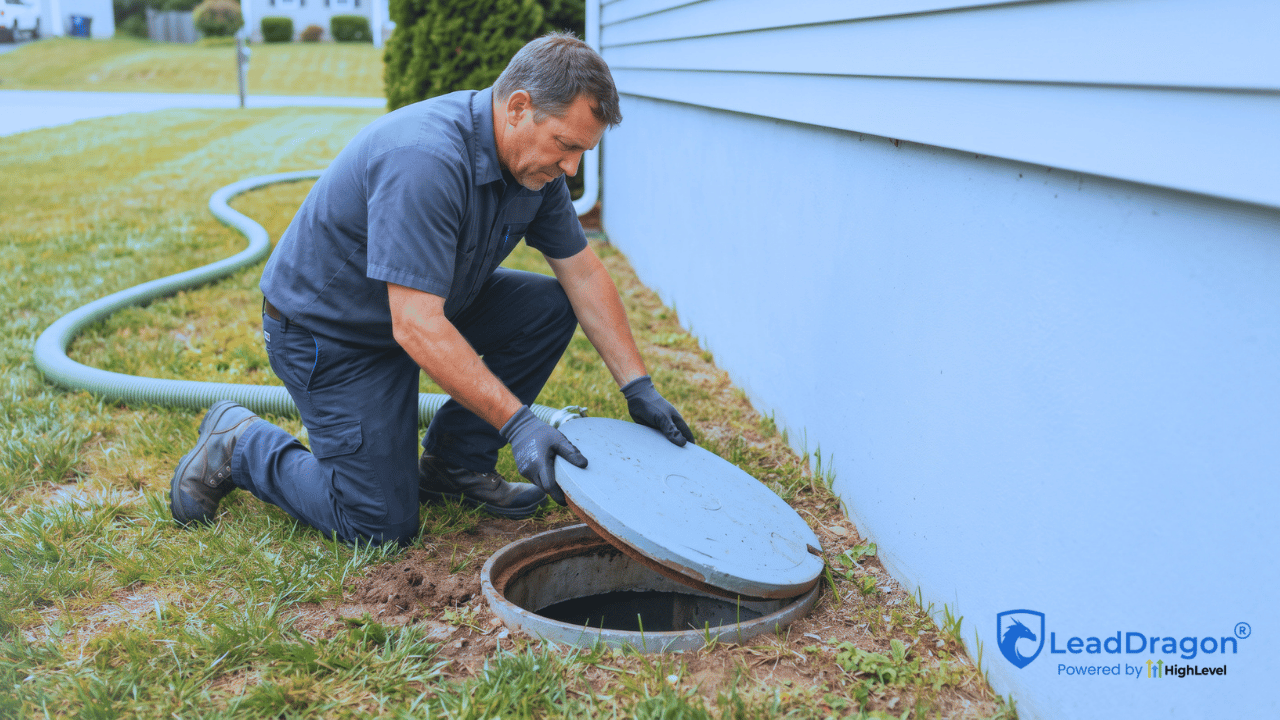
A septic customer can disappear from the active calendar for years and still be one of the easiest people to bring back. The problem is the gap. By the time the office should discuss another pump-out or routine service, the staff may have changed, the old invoice may sit in another system, and nobody remembers to call.
Septic pumping reminders can close that gap, but only when the reminder date comes from real service history and the customer’s reply has somewhere to go. A generic recurring text is not much of a system. It can fire after the property changes owners, after another company already serviced the system, or at a time the customer is not ready.
The useful setup starts with one question: why is this customer hearing from the business now?
The next reminder date needs a reason
A reminder should point back to something the business actually knows. That may be the date of the previous pump-out, a completed inspection, another routine service, or a next-service date that somebody reviewed and recorded.
The date should not come from a blanket guess added to every old customer. Two records can look similar in the CRM while carrying very different history. One may have a clean completed-service date. Another may only show that the customer called three years ago. Those are not the same starting point.
If the company already uses septic field-service or dispatch software, let that system keep the detailed job record. LeadDragon does not need to become the place where tank details, truck routes, invoices, or field notes live. The follow-up side only needs the information required to decide when a customer should hear from the business again.
At the platform level, HighLevel supports a Custom Date Reminder workflow trigger that can start a workflow before, on, or after a selected date field. That makes a reviewed next-service date useful for timed customer communication without turning the CRM into the septic company’s operating database.
Do not guess when the service history is unclear
Old customer data is rarely perfect. A contact may have a name, phone number, property address, and an old payment record with no clean service date. Another record may come from accounting software with a vague description. Some customers may have used another septic company since the last recorded visit.
That is where staff review is better than pretending the business knows the missing date.
If the business can confirm the previous service date from its operating records, it can create the next reminder date from an internal rule the company already uses. If the history is incomplete, the contact can sit in a review queue instead. A staff member can check the record, confirm what the business actually knows, and decide whether the customer belongs in the reminder program at all.
The reminder message should also match the confidence of the data. “Our records show we serviced your property on [date]” only works when the record really proves that. When the history is less certain, the company needs safer wording or a manual check before anything sends.
Septic pumping reminders need enough lead time to be useful
The first reminder should arrive early enough for the customer to make a decision and for the office to find a workable appointment. There is no single lead time that fits every septic business.
A company that books routine pumping weeks ahead may start sooner than a business with more open capacity. Seasonal demand can matter too. The right timing comes from how the company schedules real work, not from copying a generic “30 days, 14 days, 7 days” sequence from somebody else’s automation.
Keep the message sequence modest. One early notice may be enough for customers who book quickly. A second reminder closer to the target date can catch people who meant to respond and forgot. Past that point, another automatic message should have a reason to exist. If the office would be better off calling the customer or reviewing the record, create that task instead of sending the same idea again.
Use SMS and email for different parts of the conversation
SMS works well when the company wants a short answer: “Yes, I need to schedule,” “Not yet,” or “Can you call me?” Email has more room for context, a booking link, office hours, or a short explanation of why the customer is hearing from the company.
The channel should match the permission the business actually has. HighLevel’s current LC Phone Messaging Policy says SMS should only go to contacts with valid permission, requires sender identification, and requires opt-out handling. HighLevel also uses channel-specific Do Not Disturb controls, so an SMS opt-out does not give another workflow permission to keep texting the contact.
A previous customer relationship does not make communication preferences irrelevant. The reminder process needs to respect the contact record instead of treating every old customer as permanently reachable on every channel.
The customer reply should change what happens next
The reply is where recurring service reminders for septic businesses become more than scheduled marketing.
If the customer says not yet, the system should not keep sending “you are due” messages as if nothing happened. A specific answer such as “check back in October” can become a new follow-up date. A vague answer such as “maybe later” may be better for staff review than an invented date.
If the customer wants to schedule, move them toward the booking path the business actually uses. That may be a calendar link for routine work, a text conversation with the office, or a phone callback when staff need to clarify the service before offering a time.
If the customer asks for a different date, update the next contact point and get them out of the old reminder sequence. The next message should follow the customer’s request, not the date that originally triggered the automation.
If the customer says the property changed owners or service is no longer needed, mark the record so the same reminder does not appear again next cycle. Keeping that person in a “due” list only creates bad reporting and unnecessary messages.
A service-specific question belongs with a person. The automation can alert the office and preserve the conversation, but it should not try to answer a property-specific septic question from a generic reminder branch.
HighLevel’s Customer Replied trigger can start workflow actions from an incoming response, including routing and internal actions. That gives the business a technical way to make “not yet,” “schedule me,” or a real question lead somewhere different instead of leaving every reply in one inbox.
Booking should end the reminder chase
Once a customer books, the repeat-service reminder has done its job. The contact should leave the “due” sequence and move into the normal appointment path.
That sounds obvious, but it matters when several automations touch the same contact. A customer should not book a pump-out on Tuesday and receive another “time to schedule” message on Wednesday because the reminder workflow never noticed the appointment.
HighLevel has a Customer Booked Appointment trigger for bookings made through a connected calendar. A septic company using another scheduling or field-service system may need a different handoff. The business rule stays the same: a confirmed booking should suppress the sales reminder that was trying to create that booking.
Rescheduling is different. The appointment changes, but the customer still has a booking. Move the service date through the scheduling system that owns the job instead of putting the customer back into a pre-booking reminder campaign.
Human takeover needs a stop condition too
A customer may reply with something that clearly needs the office: a question about the previous visit, access to the property, a different service request, or a request for a phone call. Once a person takes over, the automatic sequence should stop or move into a branch that no longer sends the original reminder.
HighLevel’s current User Replied trigger can detect when a team member sends a message from the conversation view. The account can use that event as part of the logic that ends or redirects the remaining automation after a human steps in.
Opt-outs are another hard stop for that channel. The same stop applies when staff mark a record as no longer eligible. A customer who already completed the service should now be waiting for a future reminder, not receiving the old one again.
Completed service should create the next cycle from a verified date
The cleanest recurring process does not end with “booked.” It ends after staff confirm the work that matters to the reminder and record a valid date to start from again.
Do not reset the next reminder simply because somebody created an appointment. Staff move, cancel, or change jobs. If the field-service system owns completion, let it keep that truth. Once the operating record confirms completion, staff can pass the next date into the CRM or enter it themselves.
HighLevel’s Update Contact Field action can write or change date-type custom fields inside a workflow. That workflow action can support a next-reminder field when the account uses that setup. It does not remove the need for a trustworthy source date.
This is also the point where the cycle can start again without somebody setting a personal calendar reminder for years in the future. The completed service creates the next reviewed reminder date. That date later brings the customer back into the communication workflow.
Track the customer state, not just the messages
A report that says “1,200 reminders sent” does not tell the owner whether repeat-service work came back.
The customer should move through a small set of states the office can understand:
- Due: the reminder date is approaching and the record is eligible.
- Contacted: at least one reminder went out.
- Booked: the customer scheduled the next service.
- Completed: staff finished the service and recorded the date that can create the next cycle.
- Deferred: the customer asked the business to contact them later and has a new review date.
- No longer eligible: the property changed owners, the customer no longer needs the service, or the business no longer has a permitted reminder channel.
A no-response group may also be useful, but it should not become a permanent bucket that receives messages forever. At some point, the sequence ends and the office decides whether another attempt is worth making.
What matters in reporting is how many eligible customers were due, how many responded, how many booked, and how many completed repeat service. Message volume is only one piece of that story.
Keep field operations in the system that already runs field operations
A septic business may already have software for job history, dispatch, route planning, invoices, technician notes, or property details. Rebuilding those functions inside LeadDragon would create another database the office has to keep straight.
Keep the boundary clean. The operating system can own what happened in the field. LeadDragon can own the marketing and sales side around that record: customer communication, timed follow-up, replies, booking paths, contact status, and the next action for the office.
The handoff does not have to be fancy. Staff can update a reviewed date after completed service. An available integration can pass a completion date or status when the two systems support that connection. The right setup is the one that prevents staff from maintaining the same service truth in several places.
LeadDragon’s sales and marketing automation sits on that customer-facing side. It should help the septic company remember who needs a conversation without pretending to be the software that dispatches the pump truck.
Test the reminder process on a small batch first
Before putting years of customer history into septic pumping reminders, take a small group of completed jobs with dates you trust. The office should be able to tell why each customer is due for contact, which channel the business can use, who owns a reply, and what changes when the customer books or asks to wait.
A record that breaks one of those questions needs attention before the automation gets bigger. Fix the date, the branch, or the ownership rule first. That is safer than building a huge recurring campaign around customer history nobody has checked.
If your septic business already has service history somewhere but the follow-up still depends on somebody remembering who is due, LeadDragon can handle the CRM, communication, and automation side around that process. You can watch the 5-minute demo or book a live demo to see how the customer follow-up side could fit your current setup.
